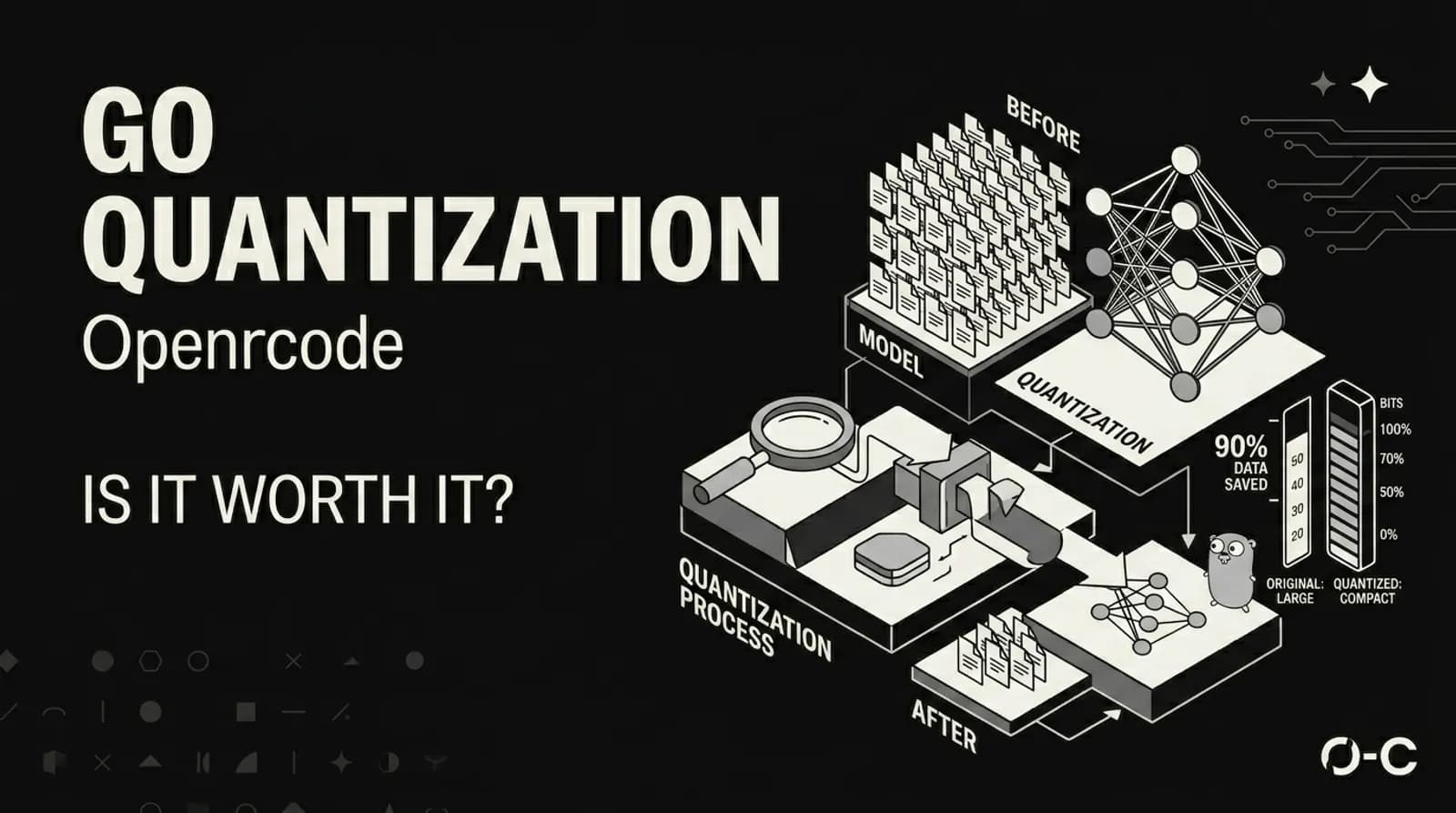
OpenCode Go: Is Quantized Worth It?
A Reddit post from March 2026 called it "genuinely the worst coding plan I have ever used." It got 94% upvotes. 72 people agreed in the comments without much pushback. The post was about OpenCode Go, a $10/month subscription that gives you access to models like GLM-5.1, Kimi K2.5, and MiniMax M2.5 through OpenCode's CLI. The complaints were consistent. The models feel dumb. Rate limits hit fast. You're paying for a worse version less often.
That post made me curious. Not because I wanted to pile on, but because the people writing it had a point that deserved a real answer. The models OpenCode Go uses are quantized. That word gets thrown around a lot. But what does it actually mean for you, the developer sitting at your terminal?
Here's what I found.
What Quantization Actually Does
Large language models store their weights as floating-point numbers. Think 0.0023847 or -1.7632. Every parameter in every layer. A model like a 70B parameter beast needs 140GB of memory just to load if you're using full 16-bit precision. Most people don't have that kind of hardware.
Quantization compresses those numbers. Instead of storing each weight as a 16-bit float, you map them to a smaller set of values. 8-bit integers. 4-bit integers. The math is simple in concept: take the weight range, divide it into buckets, assign each weight to its nearest bucket, store the bucket index instead of the full value.
But here's where it gets interesting. Naive quantization destroys model quality. A 7B model thrown into 4-bit naively produces garbage. The difference between good quantization and bad quantization is everything.
The main methods right now are GGUF, AWQ, GPTQ, and bitsandbytes. Each takes a different approach:
GGUF uses block-wise quantization with mixed precision. Different layers get different bit depths based on how sensitive they are. Attention layers might get more bits than feed-forward layers. This is why you see names like Q4_K_M or Q5_K_M. The "K" means k-quant, a smarter scheme that protects the weights that matter most.
AWQ (Activation-Aware Weight Quantization) takes a different angle. The research behind it found that less than 1% of weights are "salient" — they contribute disproportionately to model outputs. AWQ identifies those weights by running calibration data through the model and measuring activations. Those important weights get higher precision. The rest get compressed.
GPTQ was one of the first methods to do 4-bit quantization without destroying quality. It uses second-order information (the Hessian matrix) to minimize quantization error layer by layer. It's well-tested and has a massive library of pre-quantized models available.
bitsandbytes is different because it quantizes on-the-fly rather than pre-quantizing to a file. It also supports training, which is how QLoRA works — load a model in 4-bit, train small adapter layers, merge them back. That lets you fine-tune a 65B model on a single 48GB GPU.
What You Actually Lose
This is the part that matters for OpenCode Go users.
Quality retention varies wildly depending on the quantization level and method. Here's roughly what you lose at different levels:
Q8_0 keeps about 99% of FP16 quality. It's near-lossless. The size savings are real but not dramatic. If you care about quality above everything else, this is close to the floor.
Q5_K_M retains around 97% of FP16 quality. Most people won't notice the difference in everyday tasks. The size reduction is significant.
Q4_K_M holds about 92% of FP16 quality. This is the sweet spot for most users. Three to four times size reduction with minimal perceptible loss. Most GGUF tutorials recommend this level.
Q3_K_M drops to roughly 85%. You start noticing degraded reasoning on complex tasks. The size savings are aggressive.
Q2_K sits at around 70%. Things break here. Subtle reasoning fails. Code generation produces noticeably worse output. This is where the Reddit complaints probably come from.
Now here's the thing. OpenCode hasn't published exactly what quantization level they use for Go models. That's the real problem. Without that transparency, you're trusting a service where the quality floor is unknown. And when developers hit a bad coding session — complex refactoring breaks, context gets lost, edge cases produce wrong code — they don't know if it's the model, the quantization, their prompt, or the rate limits. That's a bad experience.
The rate limits are the other half of the complaint. Hitting rate limits during a flow state interrupts the entire development rhythm. For a tool that's supposed to be an agent working alongside you, getting cut off mid-task is worse than not having the tool at all.
The Thing About Terminal UIs
I want to take a quick detour here. Because this post is about OpenCode Go, and OpenCode is a terminal-based tool. And terminal tools are a weird breed.
The developers who love them are intense about it. They'll argue for hours that a TUI is faster than any GUI. They'll say mouse-driven interfaces are for people who can't touch-type. They'll claim that anything running in a browser has already lost.
Then there's everyone else. People who want the tool to just work without reading a man page. People who hit a wall because the keyboard shortcut wasn't obvious. People who spent twenty minutes trying to figure out why their config file wasn't loading and it turned out to be a dot in the wrong place.
Terminal UIs have a ceiling. And that ceiling is lower than people who love them want to admit. The moment you need to visualize something, or collaborate with someone who doesn't live in a terminal, or explain what went wrong to a non-technical teammate — the terminal starts costing you more than it saves.
This is not a knock on OpenCode. The CLI-first approach is actually one of its strengths. I'm just saying that the people who are going to love it are a specific kind of developer. And the people who are going to hate it are a much larger group. That's fine. Every tool has its audience.
When Quantized Makes Sense
Quantization isn't inherently bad. It's a necessary tool for making powerful models accessible. A Llama 3 70B that requires multiple A100 GPUs can run on a single RTX 4090 after 4-bit quantization. Without quantization, most people couldn't run these models locally at all.
AWQ with the Marlin kernel can hit 741 tokens per second on H200 GPUs, which is 1.6x faster than the FP16 baseline. That's not a small improvement. And AWQ retains about 92% of code generation accuracy in benchmarks. For production serving where throughput matters, quantization with the right kernel is a clear win.
GGUF with Q4_K_M is the standard for running models on CPU or Apple Silicon. It gives you decent quality at manageable memory requirements. For local inference where you don't have a GPU cluster available, this is often the right call.
QLoRA fine-tuning has opened up model customization in ways that weren't possible before. Being able to adapt a 70B model on consumer hardware has made personalized models a real thing for small teams and solo developers.
The Honest Take
Here's what I think after looking at all of this.
Quantization is a legitimate engineering decision. Many of the best open-source models are available primarily as quantized files for good reason. The problem is when a service charges you money without telling you exactly what you're trading away.
If you're doing complex, multi-file refactoring, the quality degradation from heavy quantization will bite you. The model loses track of context across larger codebases. Suggestions that look fine in isolation fail edge cases you wouldn't have missed. You spend time debugging AI-generated code that was subtly wrong. That's worse than writing it yourself.
If you're paying $10/month to have a worse version of a model with aggressive rate limits, you're not saving money. You're paying for frustration. Claude Code at $20-30/month with full-featured models and a 200k context window is a better deal for professional developers. GitHub Copilot at $10-19/month with reliable performance and generous request limits beats OpenCode Go for most people embedded in that ecosystem.
And if you're a hobbyist coding less than five hours a week on simple scripts, OpenCode Go might work. The lighter models like GLM-5 handle simple single-file tasks fine. But for anything beyond that, the quantization quality issues and rate limits create more problems than they solve.
The bigger issue is transparency. What quantization level? What models? What are the actual rate limits? When a Reddit post calling the service terrible gets 94% upvotes with almost no pushback, that's a signal. The developers building with these tools can tell when something is off. And they're not shy about saying so.
Quantization can absolutely be worth it. But only when you know what you're trading away. The moment it becomes a surprise, you've already lost trust.